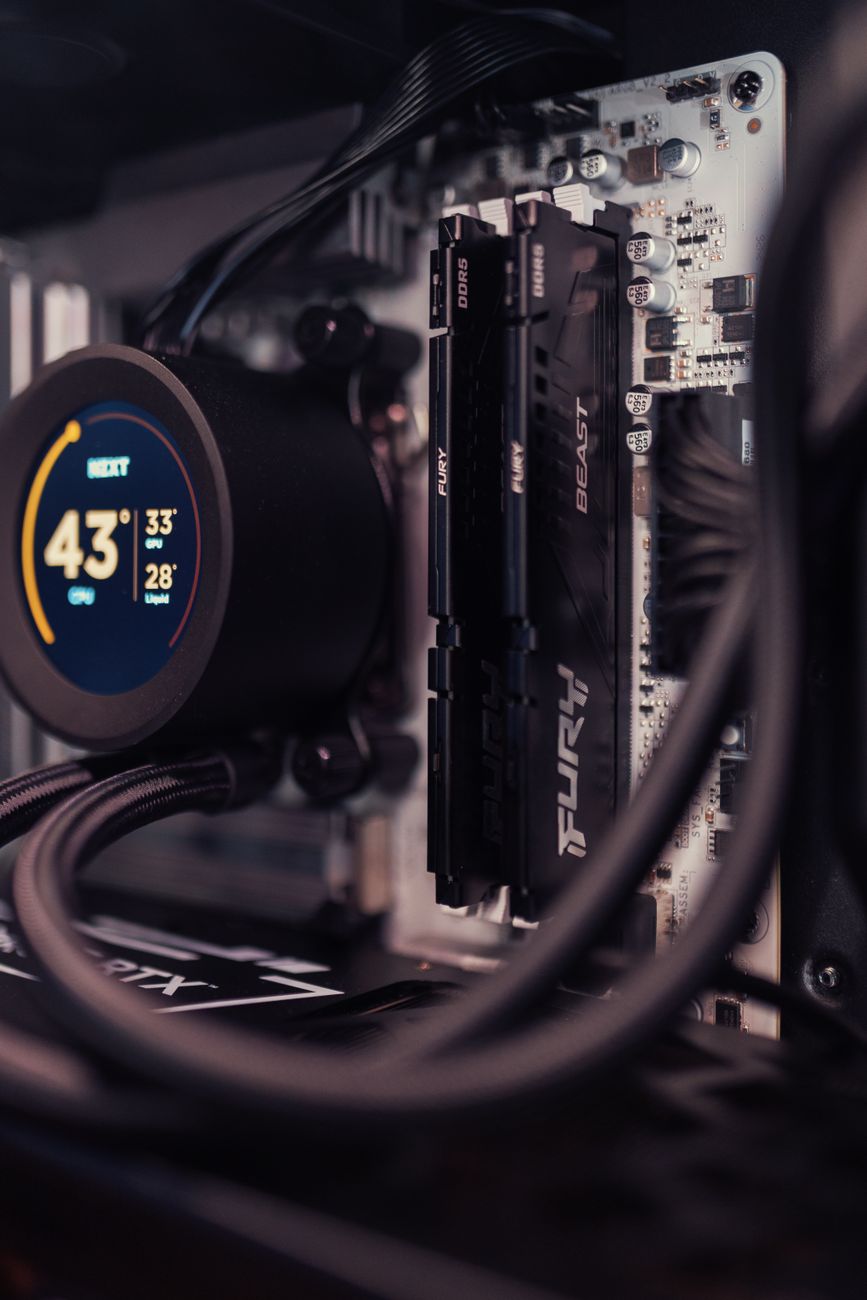
The Evolution of Personal Hardware: Welcome to the Era of AI PCs
For decades, the standard metrics of personal computer performance were straightforward: clock speed, core counts, and graphics rendering capacity. Every major era of computing was defined by a specific leap in silicon architecture. The shift from single-core to multi-core processors allowed for seamless multitasking, while dedicated Graphics Processing Units (GPUs) unlocked high-definition visual workloads and complex gaming. Today, personal hardware is undergoing another fundamental transformation with the emergence of AI PCs.
As artificial intelligence shifts from a distant cloud service to an integral part of everyday desktop applications, hardware manufacturers are rethinking how silicon is built. Rather than routing every machine learning prompt or image generation query to remote data centers, next-generation computers are designed to process complex neural networks directly on the physical device. This shift represents more than just an incremental spec bump; it marks a structural change in how operating systems, productivity applications, and creative tools interact with local hardware.
Understanding what makes an AI PC distinct, how its underlying silicon functions, and why localized artificial intelligence matters for average users and professionals alike is essential for navigating the modern technology landscape.
What Exactly Is an AI PC? Decoding the Architecture
At its simplest, an AI PC is a computer equipped with specialized hardware built specifically to execute artificial intelligence and machine learning tasks efficiently. While any modern computer can theoretically run basic AI algorithms using traditional microprocessors, doing so often consumes massive amounts of energy, generates high heat, and leads to noticeable system lag.
To overcome these limitations, next-generation computers feature a tri-chip system architecture that divides computational workloads between three distinct processing units: the CPU, the GPU, and the NPU.
CPU, GPU, and NPU: The New Silicon Triad
In a standard personal computer, tasks are managed primarily by two chips:
- Central Processing Unit (CPU): The master coordinator responsible for sequential computing tasks, operating system processes, and basic logic execution. It excels at fast, step-by-step processing but is inefficient at handling thousands of mathematical calculations simultaneously.
- Graphics Processing Unit (GPU): Originally designed for 3D graphics rendering, the GPU contains thousands of small cores built for parallel processing. It is exceptionally capable of handling dense mathematical calculations, making it powerful for heavy workloads, but it consumes high amounts of power and generates significant thermal heat.
- Neural Processing Unit (NPU): A specialized microprocessor architected specifically to handle artificial intelligence workloads, such as matrix multiplication and deep learning inference, with extreme energy efficiency.
By delegating continuous background AI tasks—such as voice recognition, visual tracking, and natural language processing—to the NPU, the main CPU and GPU remain free to handle heavy application logic and graphical output without throttling system performance.
Measuring Local AI Performance in TOPS
Just as CPU speed is measured in gigahertz and GPU performance in frame rates or floating-point operations, AI accelerators are evaluated using a metric called TOPS, which stands for Trillions of Operations Per Second.
TOPS measures how many trillion mathematical calculations dedicated to neural networks a chip can perform every second. Industry benchmarks for next-generation systems generally require an NPU capability of 40 TOPS or higher to run complex background algorithms locally without relying on cloud assistance. Silicon vendors across the PC industry are designing new chipsets specifically around this processing standard to enable real-time, zero-latency local intelligence.
Real-World Use Cases: How Local AI Transforms Daily Work
While the architectural changes are significant, the true value of an AI PC lies in its day-to-day practical applications. Having dedicated local AI silicon changes how software behaves across content creation, professional workflows, and communication.
Content Creation and Media Production
For digital creators, local hardware acceleration eliminates long rendering queues for AI-driven software features. Tasks that previously required significant server compute or minutes of local processing can now be executed almost instantaneously.
- Real-Time Video Editing: Video editors can perform complex foreground isolation, automated object tracking, and instant color grading without dropping playback frames.
- Audio Enhancements: Multitrack voice isolation and non-destructive noise reduction can be processed locally in real time, separating dialogue from ambient environmental noise during live recordings.
- Generative Visual Assets: High-resolution background generation and image expanding can take place directly inside creative suites without uploading copyrighted source media to third-party web servers.
On-Device Productivity and Local Language Models
Knowledge workers benefit directly from the capability to run localized Large Language Models (LLMs) and context engines directly on their device storage and system memory.
Instead of copying confidential documents into public cloud web interfaces, users can run lightweight text models directly on their system. A locally hosted assistant can summarize massive PDF files, search through local file directories based on semantic meaning rather than exact file names, and generate document drafts offline without transmitting sensitive corporate data across internet nodes.
Communication and Video Conferencing
Modern remote work relies heavily on video calls, which traditionally consume considerable hardware resources when applying background blur, low-light framing adjustments, and real-time noise cancellation. On next-generation systems, these functions are handed off to the low-power NPU, preserving full battery life and leaving the CPU cool and quiet during long conferencing sessions.
Key Benefits of Next-Generation On-Device AI
The transition from cloud-dependent artificial intelligence to localized processing brings three critical advantages to personal computing: privacy, performance, and efficiency.
1. Enhanced Data Privacy and Data Sovereignty
When using cloud-based AI tools, user prompts, proprietary code, and personal documents are transmitted to external servers for processing. This raises significant privacy concerns for legal professionals, medical workers, financial analysts, and enterprise corporations handling sensitive intellectual property.
An AI PC performs data processing locally. Because neural inference happens on local silicon, personal data never leaves the storage drive, dramatically reducing exposure to external data leaks or unauthorized data scraping for central model training.
2. Reduced Latency and Offline Capability
Cloud AI services depend on network connections, server availability, and API queue times. Network congestion can lead to frustrating delays in real-time workflows.
Local processing offers near-zero latency. Responses, automated actions, and image modifications render instantly, regardless of internet connectivity. Whether working on an airplane, in a remote location, or during a network outage, local features remain fully operational.
3. Power Efficiency and Battery Longevity
GPUs are capable of running local AI models, but they consume high amounts of wattage, quickly draining laptop batteries and requiring noisy cooling fans. NPUs are engineered specifically for matrix operations at low power draws. This architecture allows laptops to maintain long battery operational lifespans even while continuously executing artificial intelligence software in the background.
Current Limitations and Risks
Despite the technological advancements of next-generation hardware, early adoption comes with notable trade-offs and structural challenges that consumers and organizations must evaluate.
Software Ecosystem Fragmentation
Hardware capabilities often develop faster than software ecosystems. For an application to utilize an NPU effectively, developers must optimize their software using specialized software development kits (SDKs) and execution providers like OpenVINO, DirectML, or CoreML.
If software developers have not optimized their programs for a specific NPU architecture, the software defaults to running on the standard CPU or GPU, nullifying the hardware benefits of the system. This leads to an inconsistent performance experience across different application suites.
System Memory and Unified RAM Bottlenecks
Running local AI models requires substantial system memory (RAM). While standard office tasks can run smoothly on traditional memory configurations, localized LLMs and generative image platforms require high memory bandwidth and capacity. Computers configured with limited RAM may struggle to load larger local models, forcing users to buy higher-tier memory setups that increase upfront hardware purchase costs.
Marketing Hype vs. Practical Reality
As hardware manufacturers aggressively market next-generation label terms, buyers risk purchasing premium devices for features they may not actually need. It is vital to distinguish between true architectural hardware advancements and basic software integrations that rely entirely on internet connections.
Future Outlook: What Lies Ahead for Personal Computing
The rise of AI PCs is not a temporary trend; it represents the long-term direction of personal computer design. Over the next few years, the distinction between standard computers and AI-enabled hardware will likely disappear entirely, as neural processing units become standard components in all microprocessors.
Future operating systems will move beyond command-based inputs to proactive context awareness. Rather than manually moving files, configuring system parameters, or organizing schedules, localized context engines running securely on internal NPUs will assist users based on real-time screen awareness, continuous workflow context, and natural language instruction.
Furthermore, computing models will settle into a hybrid processing architecture. Lightweight, immediate background processing—such as real-time audio isolation, system security monitoring, and basic document summarization—will occur natively on the local device NPU. Complex queries requiring immense parameters will seamlessly hand off computations to external supercomputing clusters, balancing local privacy with cloud performance.
Conclusion
The transition toward AI PCs marks a major architectural evolution in personal technology. By embedding dedicated Neural Processing Units alongside traditional CPUs and GPUs, hardware makers are delivering systems that process complex machine learning workloads directly on local hardware.
While software integration is still maturing and hardware configurations require careful consideration, the benefits of local processing—enhanced privacy, zero-latency execution, offline independence, and improved energy management—are clear. As software ecosystems adapt to leverage dedicated neural silicon, next-generation computers will fundamentally alter how users work, create, and interact with digital platforms.
Frequently Asked Questions (FAQs)
1. Do I need an AI PC if I already use web-based cloud AI tools?
Web-based cloud services are suitable for basic text prompts and general queries. However, an AI PC provides distinct advantages if you need to work offline, require immediate processing speed without network delays, or handle sensitive confidential data that cannot be legally or securely uploaded to third-party web servers.
2. What is the main difference between a GPU and an NPU?
A GPU is a powerful, parallel-processing chip designed primarily for rendering 3D graphics and complex mathematical calculations, but it draws significant electrical power. An NPU is specialized exclusively for artificial intelligence tasks—such as neural network inference—and performs these calculations at high speeds with minimal energy usage.
3. What does TOPS stand for in AI computer specifications?
TOPS stands for Trillions of Operations Per Second. It is a standard metric used to measure the computational performance of a Neural Processing Unit (NPU). Higher TOPS values indicate that the processor can handle more complex machine learning operations locally in real time.
4. Can an AI PC run Large Language Models completely offline?
Yes, provided the machine has sufficient system memory (RAM) and a compatible local AI framework installed. Local execution allows users to run open-source text models entirely offline without sending prompts over the internet.
5. Will my existing software run on a next-generation AI PC?
Yes, standard software programs will run normally on your machine's CPU and GPU. However, to access the performance and power-saving advantages of the new built-in NPU, specific applications must be updated by their developers to support local neural acceleration libraries.